

How Returns, Refunds & Cancellations Work on ONDC Buyer Apps
Learn how ONDC returns, refunds, and cancellations work. Understand return timelines, refund process, reverse pickups, buyer rights, and seller responsibilities.
.png)
Quick Answer
On ONDC, orders can be cancelled free of charge any time before they're shipped; once shipped, cancellation isn't possible and the seller's return policy applies instead. Returns follow a reverse-pickup process — the logistics partner collects the item, the seller confirms receipt, and the refund is initiated to the buyer's original payment method, typically reflecting within 7 working days. Complaints must get a response within 48 hours and resolution within 30 days, under the Consumer Protection (E-commerce) Rules, 2020.
Returns and refunds are where most seller ratings are won or lost — and ONDC handles them differently from a single closed marketplace, because the order passes through a buyer app, a seller app, and often a separate logistics provider, each with its own order ID. If you're selling on ONDC, understanding exactly how cancellations, returns, and refunds flow across this network isn't optional — it's what keeps your payouts accurate and your ratings healthy. Here's how the process actually works.
The Numbers Behind ONDC Returns & Refunds
A few data points worth knowing before a return or refund dispute lands on your desk:
• Under the Consumer Protection (E-commerce) Rules, 2020 — which ONDC's network policy explicitly follows — every complaint must be acknowledged within 48 hours and resolved within 30 days.
• Refunds on ONDC are typically initiated instantly once a cancellation or return is accepted, but can take up to 7 working days to actually reflect in the buyer's account, depending on the payment method and bank.
• Because each ONDC order carries three separate reference numbers — one from the buyer app, one from the seller app, and one from the logistics provider — sellers processing even 30-40 orders a day need a manual or systemised reconciliation process to catch refund mismatches.
• Small payout gaps of ₹1-2 per order are considered normal, tied to GST rounding — but a mismatch beyond roughly ₹15 on a single order is generally treated as a flag worth raising with the seller app.
None of this is complicated in isolation, but it adds up fast at volume — which is exactly why sellers who don't track cancellations and refunds separately from regular orders tend to lose track of what they're actually owed.
How the ONDC Order Cycle Actually Works
ONDC runs on the Beckn protocol, which defines a standard set of actions between buyer apps and seller apps. For returns and cancellations, the two that matter most are:
• /cancel and /on_cancel — the buyer (or seller) initiates a cancellation, and the seller responds with a cancelled order confirmation along with the applicable refund terms
• /update and /on_update — used when an order needs to be revised after placement, such as a partial cancellation or item substitution
This standardised structure is what lets a single order flow smoothly across different buyer apps, seller apps, and logistics providers — but it also means the seller (via their seller app) is the party actually responsible for confirming cancellations and releasing refunds, not the buyer app alone.
Cancellations: What's Allowed, and When
• Before shipment — orders can generally be cancelled freely by the buyer, with no charge, right up until the seller ships the item
• After shipment — once an order has shipped, it typically can't be cancelled through the app; the buyer instead has to go through the seller's return policy after delivery
• Non-cancellable items — some product categories or specific listings may be marked non-cancellable by the seller, and this must be clearly disclosed on the listing
As a seller, the practical implication is simple: ship promptly, but not so early that legitimate last-minute cancellations turn into returns you then have to process as reverse logistics instead of a simple order cancellation.
Returns: The Reverse-Pickup Process
For eligible returns after delivery, the typical flow looks like this:
• The buyer initiates a return request through the buyer app, within the return window the seller has specified
• A reverse pickup is arranged — either through the seller's logistics partner or the same delivery network used for the original order
• The product is collected and inspected; it generally needs to be in original condition, with tags, packaging, and accessories intact, to qualify for a full refund
• Once the seller confirms receipt of the returned item, the refund is initiated to the buyer's original payment method
For cash-on-delivery orders, some ONDC seller apps issue store credit instead of a bank refund, since there's no original payment method to reverse the charge to — this varies by platform, so check your seller app's specific policy.
Cancellation vs Return — At a Glance
Who Handles What: Buyer App vs Seller vs Seller App
• The Buyer App facilitates the request and keeps the buyer informed of status and timelines, but doesn't independently decide refund outcomes
• The Seller (via the Seller App) is responsible for actually investigating the issue — whether an item was damaged, wrong, or defective — and approving or rejecting the return accordingly
• Logistics Providers handle the physical reverse pickup and, in cases of damage disputes, may need to provide proof such as delivery photos or serial number checks
This division of responsibility is one of the biggest differences from a single closed marketplace, where one company controls the entire process. On ONDC, a seller who's slow to confirm a return delays the buyer's refund even if the buyer app and logistics provider have already done their part — which is exactly why response time on return requests directly affects seller ratings.
Best Practices for Sellers Managing Returns & Refunds
• Track cancellations and refunds in a separate log from regular orders — noting whether it was buyer- or seller-initiated, and the date the refund actually reflected
• Reconcile orders weekly across your buyer app, seller app, and logistics references, rather than trying to match them at month-end when memory and records fade
• Set clear, category-appropriate return windows and non-returnable exceptions upfront, so buyers know what to expect before they order — this reduces disputed returns significantly
• Respond to return and complaint requests well inside the 48-hour acknowledgment window — even a same-day response measurably improves buyer trust and seller ratings
This is where a platform like COSTBO helps sellers operationally: unified order, return, and refund tracking across every ONDC buyer app a seller is listed on, so reconciliation doesn't mean juggling separate exports from separate systems.
Frequently Asked Questions
Can a buyer cancel an ONDC order after it has shipped?
Generally no — once an order ships, it typically can't be cancelled through the app. The buyer would need to use the seller's return policy after delivery instead.
How long does an ONDC refund take to reflect in the buyer's account?
Refunds are usually initiated instantly once a cancellation or return is accepted, but can take up to 7 working days to actually appear in the buyer's account, depending on the bank and payment method.
Who is responsible for approving a return on ONDC — the buyer app or the seller?
The seller, through their seller app, is responsible for investigating and approving or rejecting a return. The buyer app facilitates the request and communicates timelines but doesn't independently decide the outcome.
What happens to a refund for a cash-on-delivery ONDC order?
This varies by seller app — some issue a refund as store credit for COD orders, since there's no original payment method to reverse the charge to, while others may process it differently. Check the specific seller app's policy.
What's the legal timeline for resolving a complaint on ONDC?
Under the Consumer Protection (E-commerce) Rules, 2020, which ONDC's network policy follows, complaints must be acknowledged within 48 hours and resolved within 30 days.
Manage Returns & Refunds Without the Reconciliation Headache
COSTBO's seller platform brings order, return, and refund tracking from every ONDC buyer app into one dashboard — so cancellations, reverse pickups, and payouts stay reconciled without manually matching three different reference numbers per order.
Related Reading
• What Is ONDC? A Beginner's Guide for Indian Sellers
• How to Register as a Seller on ONDC (Step-by-Step)
• ONDC Commission & Fees Explained
• ONDC Seller Support and Grievance Management
References
• Complaints — Consumer grievance redress process, ONDC.org — https://www.ondc.org/complaints/
Related post
.png)
.png)
How Multiple Buyer Apps Access the Same Sellers on ONDC (Network Effect Explained Simply)
.png)
ONDC Buyer App vs Amazon/Flipkart App: What's Actually Different for Shoppers
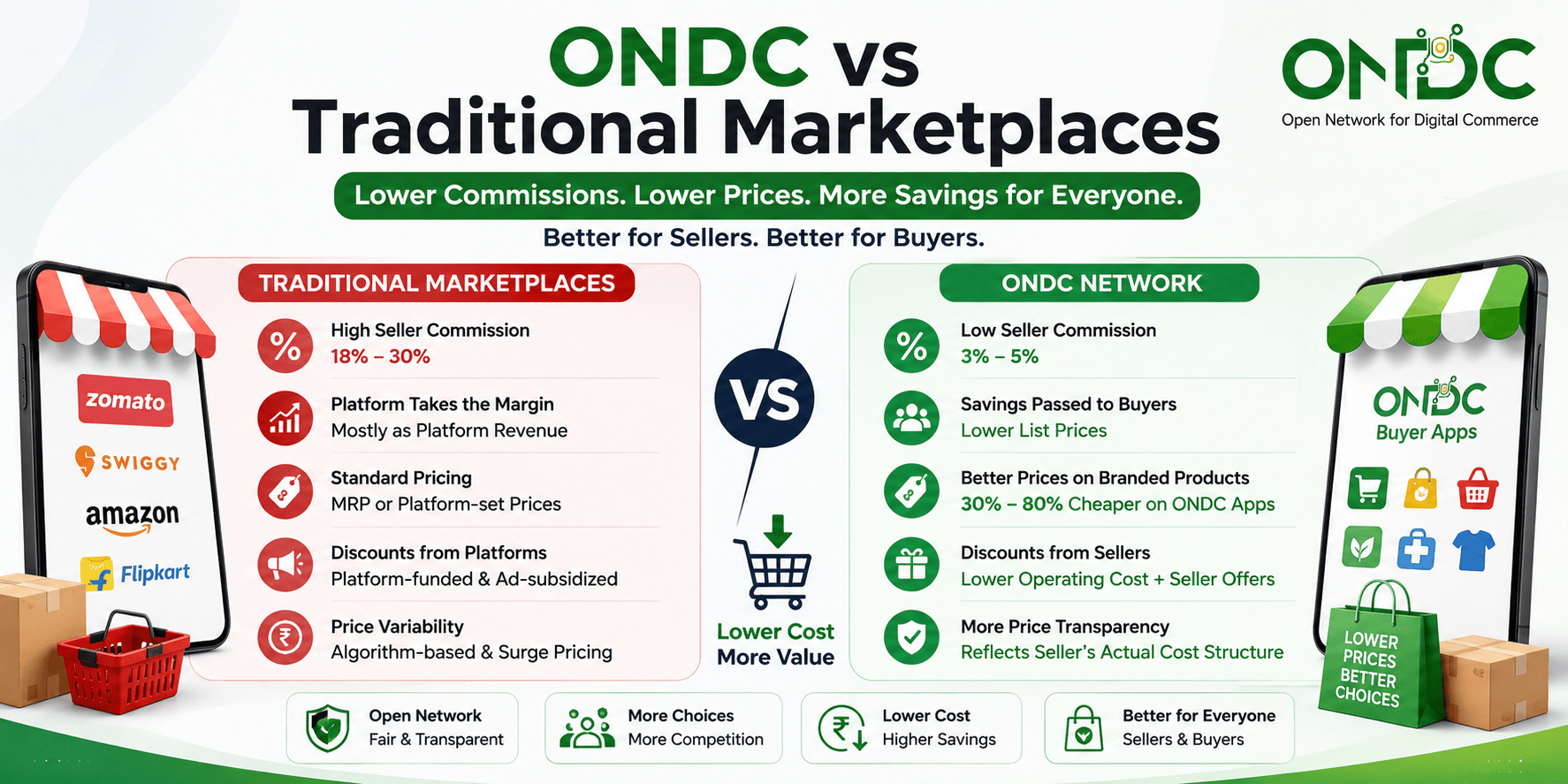
ONDC Discounts & Offers: How Buyers Save More Than on Traditional Marketplaces
Sounds like COSTBO might be the right choice for your business?
Get started by registering your business today! If you have any questions, we're here to help. Our team will reach out to you with detailed information about our offerings, product features, and a demo